
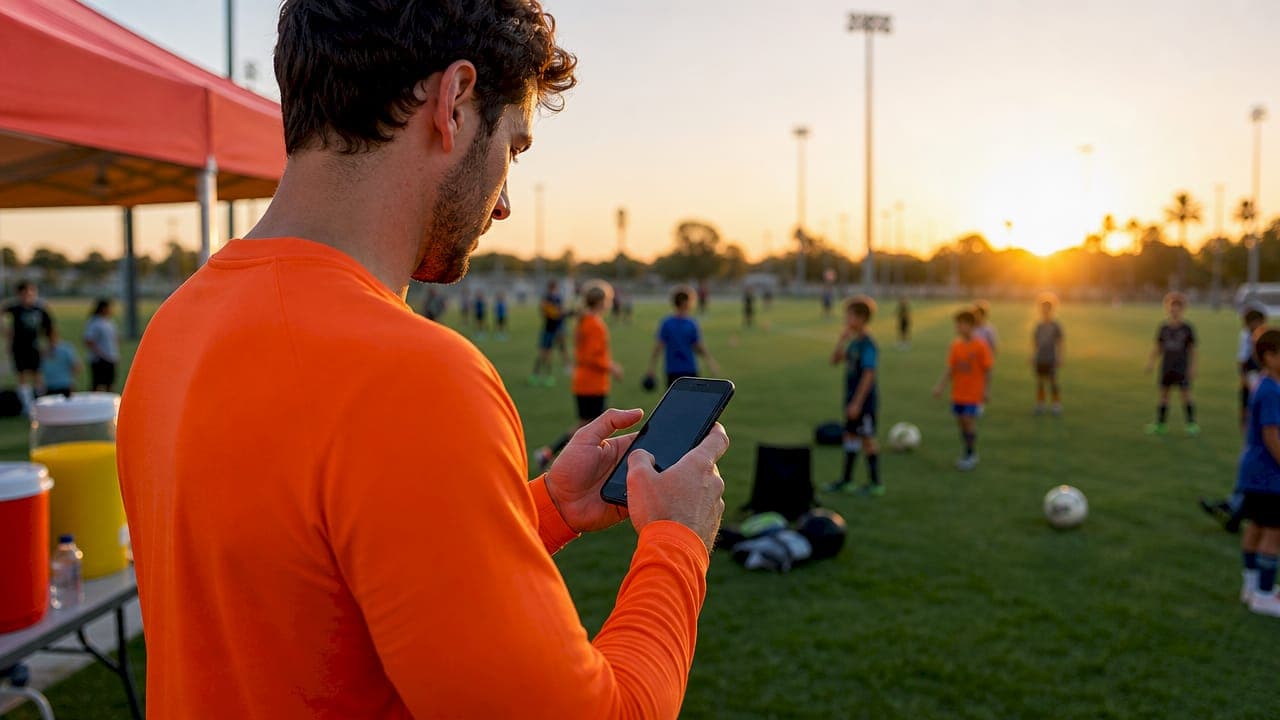
Youth sports event ticketing is defined as the process of purchasing digital admission passes that deliver a unique QR code to your phone or email for fast, verified entry at the gate. When you buy youth sports event tickets QR style, you skip the cash box line and walk straight to a scanner. Large-scale platforms already process 1.6 million tickets annually across nearly 10,000 events, which proves this is no longer a novelty. It is the standard. Athloapp brings that same convenience directly to high school and youth sports families in one place.
How to buy youth sports event tickets QR: what you need first
Before you purchase youth sports tickets, gather three things: the right device, the event details, and a valid payment method. Missing any one of them stalls the process at checkout.
Device and connection
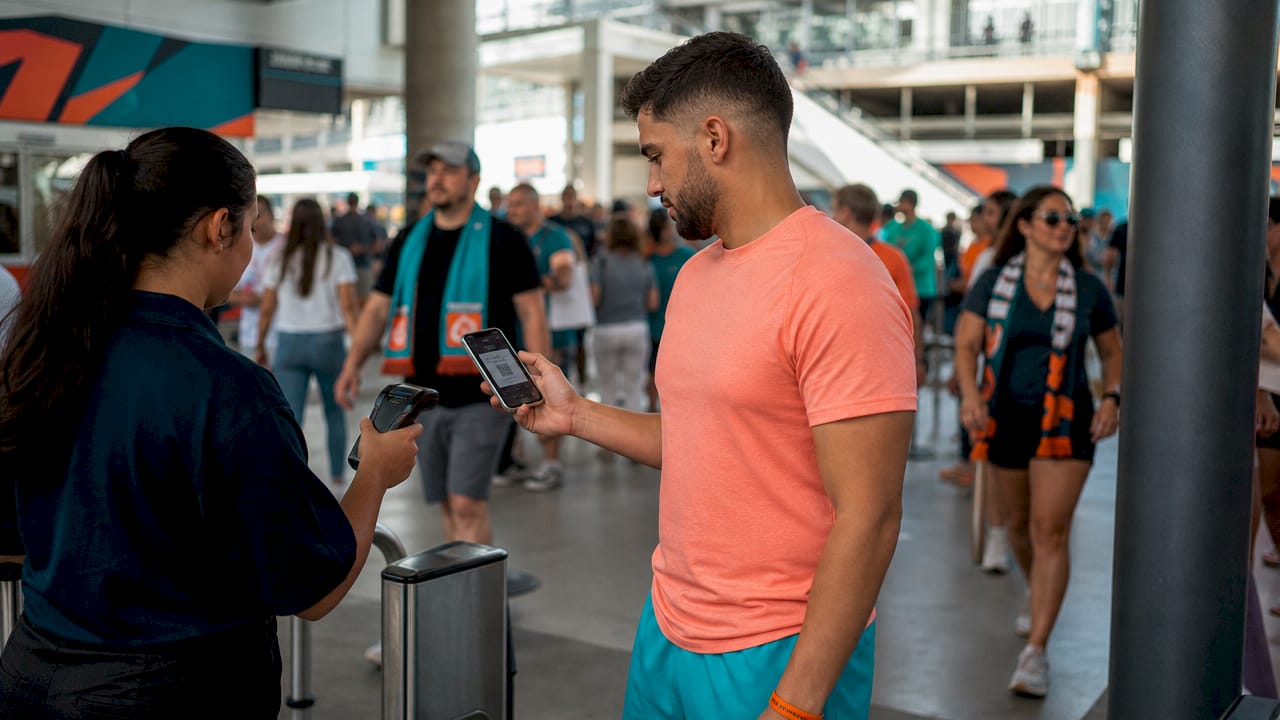
A smartphone is the most practical choice because your QR code lives in your pocket on game day. A tablet or laptop works for the purchase itself, but you will still want the ticket on your phone for entry. A stable internet connection matters most during checkout, since a dropped connection mid-payment can create duplicate charge confusion.
Event information
You need the exact event name, date, venue, and the hosting club or school. Some tournaments require an access code before you can even reach the purchase page. Competitive tournaments use private codes as a security measure to control capacity. Your child's coach or league administrator sends that code, so ask for it at least a week before tickets go on sale.
Payment methods and fees
Most youth sports ticketing platforms accept credit cards, Apple Pay, and Google Pay. Tournament operators often pass small ticketing fees to attendees rather than raising registration costs. That fee typically appears at checkout, not on the event listing, so budget a dollar or two above the face price.
| What you need | Why it matters |
|---|---|
| Smartphone or tablet | Stores and displays your QR code at the gate |
| Event access code | Required by many competitive tournaments for purchase |
| Credit card or digital wallet | Accepted by most youth sports ticketing platforms |
| Attendee details | Name and email needed for ticket delivery |
| Stable internet connection | Prevents checkout errors and duplicate charges |
Pro Tip: Screenshot your QR code and save it to your phone's camera roll the moment it arrives. If the ticketing app crashes at the gate, you still have a backup.
Step-by-step guide to purchasing QR code youth tickets
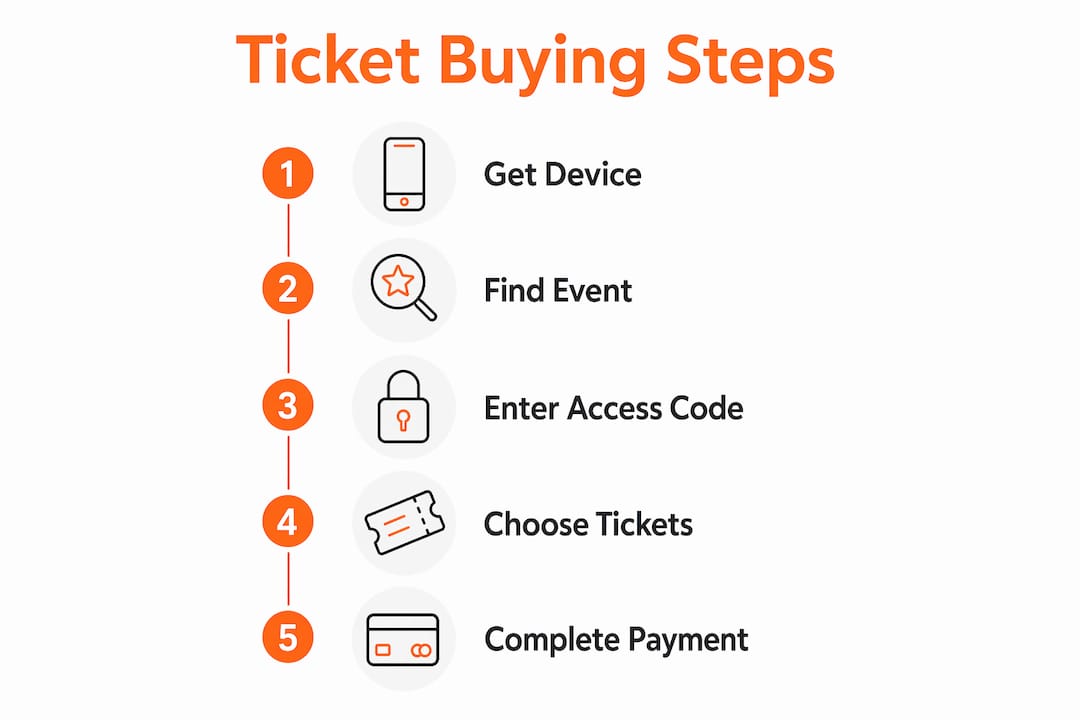
Follow these steps in order. Skipping ahead, especially on access codes and ticket type selection, causes the most common purchase failures.
-
Find the official ticketing source. Go directly to the event organizer's website or the platform they list on their official social media. Avoid third-party resellers for youth sports events. They charge higher fees and sometimes sell invalid tickets.
-
Enter your access code or log in. If the event is restricted, paste the access code your coach sent you into the designated field. Some platforms require a free account before you can proceed. Create one with the email address you check daily, since your QR ticket arrives there.
-
Select your ticket type. Most youth sports events offer single-game passes, day passes, and family passes. A family pass covers two adults and their children for one flat price, which saves money at multi-day tournaments. Day passes make sense when your athlete competes on only one day of a weekend bracket.
-
Enter attendee details. Type your first name, last name, and email address accurately. A typo in the email field means your QR code goes to a nonexistent inbox. Double-check before clicking "Continue."
-
Complete payment. Select your payment method, review the total including any platform fees, and confirm. Tickets deliver instantly to your email or directly into the platform's mobile app after a successful payment.
-
Save your QR code. Open the confirmation email and download the ticket. Add it to Apple Wallet or Google Wallet for one-tap access. If you prefer a physical backup, print the ticket at home on standard paper. The scanner reads both formats equally well.
-
Buy early. Early bird pricing closes well before the event. One volleyball tournament closed early bird pricing on april 16th for a may 15th event, saving buyers money who acted nearly a month ahead. Prices rise after that window closes, and some events sell out entirely.
Pro Tip: Add the ticketing confirmation email to a dedicated "Sports Events" folder in your inbox. When you are rushing to the parking lot before tip-off, you will find it in three seconds instead of thirty.
Troubleshooting common QR ticket problems
Most QR ticket problems fall into four categories: delivery failures, access issues, scanning errors, and lost devices. Each has a fast fix.
Ticket email not received
Check your spam or junk folder first. Ticketing platform emails frequently trigger spam filters because they contain links and attachments. If the email is not there within 15 minutes of purchase, log into your account on the ticketing platform. Your ticket almost always lives in the "My Tickets" or "Order History" section, even when the email fails.
Access code or login problems
If your access code returns an error, confirm you copied it exactly, including any capital letters or numbers that look like letters. Codes are case-sensitive on most platforms. If the code is correct and still fails, contact the event organizer directly. They can resend a valid code or manually add your email to the approved list.
QR code not scanning at the gate
Increase your screen brightness to maximum before the gate attendant scans your ticket. Low brightness is the single most common reason a phone-based QR code fails to scan. If brightness is not the issue, try rotating the phone to landscape mode. The scanner camera sometimes reads a wider image more easily.
- Turn screen brightness to 100% before approaching the gate
- Disable any screen protector glare by tilting the phone slightly
- Open the ticket in your phone's native wallet app rather than a browser
- Save a printed backup on multiple devices in case your primary phone dies
Lost device or ticket reissue
Contact the event organizer before game day if you lose your phone. Most platforms allow a reissue to a new email address with proof of purchase. Bring your payment confirmation screenshot as evidence. Organizers handle this regularly and can resolve it in minutes at the will-call table.
How youth sports organizations use QR ticketing for better events
Youth sports organizations use QR ticketing for three concrete reasons: fraud prevention, faster entry, and better data.
Dynamic QR codes refresh automatically, making each ticket unique and impossible to screenshot and share. A static screenshot of a QR code that has already refreshed simply will not scan. That mechanism eliminates the most common form of ticket fraud at youth events, where one family buys a ticket and shares the image with five others.
Real-time scanning with mobile apps lets gate staff track attendance as it happens. Organizers see exactly how many people are inside the venue at any moment, which supports safe capacity limits and helps them open additional entry lanes before a bottleneck forms.
Unified digital platforms consolidate ticketing, merchandise sales, and athlete registration into one transaction record. That data tells organizers which sessions draw the largest crowds, which ticket types sell fastest, and which sponsorship placements get the most exposure. Better data produces better events the following season.
Specialized sports ticketing platforms also outperform general-purpose event tools on reliability. They are built for the specific traffic spikes that happen when a bracket posts and every family rushes to buy at once.
| QR ticketing benefit | What it means for you |
|---|---|
| Dynamic fraud-proof codes | Your ticket cannot be duplicated or shared without detection |
| Real-time attendance tracking | Gates stay moving and capacity stays safe |
| Unified platform data | Organizers improve future events based on actual attendance patterns |
| Instant mobile delivery | No waiting for physical tickets to arrive by mail |
Key takeaways
QR code ticketing is the fastest and most secure way to attend a youth sports event, and buying early with the right access code in hand prevents nearly every common problem.
| Point | Details |
|---|---|
| Gather prerequisites first | Collect your access code, payment method, and event details before the sale opens. |
| Buy during early bird windows | Prices rise and events sell out after early pricing deadlines close. |
| Save QR codes in multiple places | Store tickets in your wallet app and as a screenshot to avoid gate failures. |
| Troubleshoot delivery in your spam folder | Most missing ticket emails land in spam within minutes of purchase. |
| Dynamic codes prevent fraud | Refreshing QR codes make shared screenshots useless at the gate. |
What I have learned from years of watching parents scramble at the gate
The parents who have the smoothest game-day experience share one habit: they treat the ticket like a boarding pass. They buy it the day it goes on sale, save it to their wallet app, and screenshot it as a backup. The parents who struggle are the ones who assume they can buy at the door or find the email in a crowded inbox while a line forms behind them.
The access code requirement surprises a lot of families the first time they encounter it. Coaches often bury the code in a group chat message from two weeks ago. My advice is to ask your league coordinator for the code the moment the event is announced, then paste it into your notes app immediately. That 30-second habit eliminates one of the most stressful pre-game moments I have seen repeatedly.
One more thing worth saying directly: print a backup. Phones die, apps crash, and Wi-Fi at sports complexes is notoriously unreliable. A printed QR code on a folded piece of paper in your bag costs nothing and has saved more than a few families from a long conversation at will-call.
QR ticketing has genuinely improved the youth sports experience. Entry lines move faster, fraud is nearly gone, and parents get instant confirmation instead of waiting for a paper ticket to arrive. The technology works. The only variable is whether you prepare for it.
— Abdulazeez
Athloapp makes youth sports ticketing simple for every family
Athloapp is built for exactly the situation this article describes: parents managing multiple athletes, multiple events, and multiple schedules across a single season.

With Athloapp, you buy and manage tickets for QR-accessed youth sports events directly inside the app, alongside live scores, schedules, medical forms, and coaching contacts. One login covers everything your family needs on game day. No hunting through emails for a QR code while the gate line grows. Athloapp is available on iOS and Android, and getting started takes less time than finding a parking spot at the venue.
FAQ
What is youth sports event ticketing?
Youth sports event ticketing is the process of purchasing digital or physical admission passes for youth and high school athletic events. Most platforms now deliver a unique QR code to your email or mobile wallet for gate entry.
How do I buy youth sports tickets online with a QR code?
Find the official ticketing platform listed by the event organizer, enter any required access code, select your ticket type, and complete payment. Your QR code arrives by email or appears in the platform's app immediately after purchase.
Why do some youth sports events require an access code to buy tickets?
Competitive tournaments use access codes to control capacity and limit ticket sales to registered families and approved attendees. Your coach or league administrator provides the code before tickets go on sale.
What should I do if my QR ticket does not scan at the gate?
Raise your screen brightness to maximum and open the ticket in your phone's native wallet app rather than a browser. If scanning still fails, show your printed backup or your payment confirmation email to the gate attendant.
When is the best time to purchase youth sports tickets?
Buy during the early bird window, which typically closes weeks before the event. Early bird pricing saves money and guarantees your spot before the event sells out.