
You can launch a paid pickup game in one listing and collect payments at RSVP. Set your price per spot, team split, or season pass, publish the event, and let payment collection happen automatically before anyone shows up. Three things make or break a paid game: secure payments through a processor like Stripe or an escrow-backed app, a clear roster with a working waitlist, and a cancellation policy players actually read. Get those right and the rest is logistics. Get them wrong, and you're the guy chasing eight different Venmo requests while standing on a soccer field wondering why nobody paid you. Athlo bundles these into one listing flow, but the principles apply no matter what tool you use, and a quick venue insurance check rounds out the basics before you take a dollar from anyone.
Key Takeaways
Hosting a paid pickup game works when you combine upfront payment collection, a real waitlist, and a policy players can read in ten seconds.
| Point | Details |
|---|---|
| Collect payment at RSVP | Require prepayment before the game to avoid unpaid no-shows and covering costs yourself. |
| Keep a standing waitlist | Hold 1 to 2 backups per 4 confirmed players to protect turnout and venue spend. |
| Price per spot for open games | An amount that covers typical venue costs and reflects the competitiveness of the run works well for casual co-ed pickup. |
| Write a one-page policy | State refund, cancellation, and no-show rules directly in the event listing. |
| Use an integrated platform | Athlo combines event listing, escrowed payments, QR check-in, and waiver management in one app. |
Table of Contents
- How to Host a Paid Pickup Game: The 60-Second Checklist
- Step-by-Step Setup: Creating the Paid Pickup Event
- Pricing Your Game and Estimating What You'll Actually Earn
- How to Fill a Pickup Game and Keep It Discoverable
- Safety Basics, Waivers, and Liability Steps
- The Platform Features That Make Hosting Easier
- Why Athlo Is Built for This
- Sources
- FAQ
How to Host a Paid Pickup Game: The 60-Second Checklist
Before the deep dive, here's the fast version.
- Pick the sport, date, and time
- Set your roster size and price per spot
- Write a short rules section (what's included, what's not)
- Set an RSVP deadline, ideally 24 to 48 hours before kickoff
- Turn on payment collection at signup, not day-of
- Build in a waitlist with 1 to 2 backups per 4 confirmed players
- Confirm the venue booking and check if it needs liability coverage
Drop your refund and no-show policy right into the event description. One sentence works: "No refunds inside 24 hours; credit applies toward your next game."
Step-by-Step Setup: Creating the Paid Pickup Event
Here's the workflow, broken into five steps you can actually follow the first time you do this.
1. Choose your date, location, and roster size. For 5v5 soccer, 10 to 12 spots covers starters and subs without leaving people standing around. For pickup basketball, 10 players (two full squads of five) is the standard, with 2 extra as buffer. Decide roster size before you decide price. A half empty game feels worse than a slightly overbooked one, and backups fill in fast if someone bails.
2. Decide your pricing model. You've got three real options:
- Per-spot ticket: everyone pays the same flat rate to join. Simple, transparent, easiest for strangers to trust.
- Team split: total cost divided by however many show, calculated after the fact. Works for tight-knit groups, but it's a math headache and it delays payment until the last person confirms.
- Flat session rate: one person or a small group pays a lump sum to book the whole session. Good for recurring squads who already know each other.
For casual, open-to-anyone games, per-spot pricing wins almost every time. It's the model strangers understand instantly, and it's the only one you can collect on before the game starts.
3. Build the event listing. Name the sport, list what's included (ball, bibs, refs if you've got them), and attach a real photo, not a stock image of a random stadium. State your refund and no-show policy right in the description. A one-page fee and policy sheet cuts down on the "wait, I thought this was free" messages before they start, a lesson paid gamemasters learned the hard way running their own paid sessions.
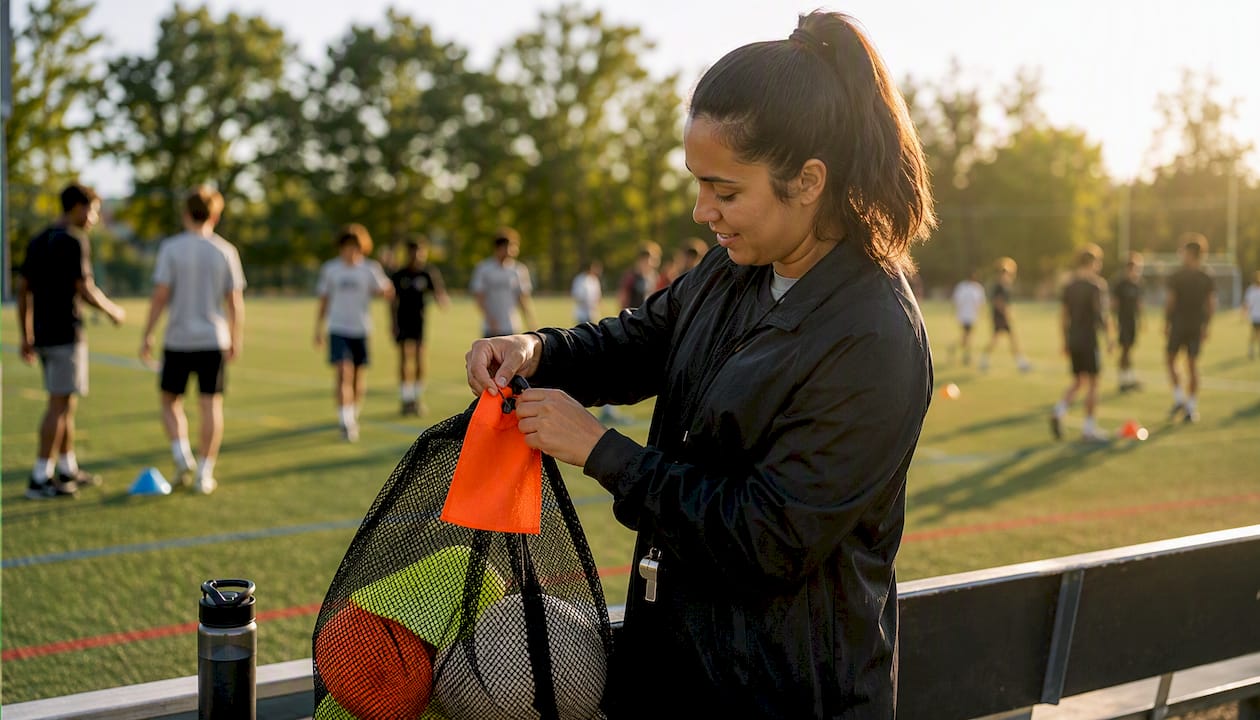
4. Configure payment at RSVP. Require prepayment, not a promise to Venmo you later. Collecting money before the game is the single biggest fix for unpaid no-shows. Set your RSVP cutoff 24 to 48 hours out, turn on the waitlist, and schedule an automated reminder so players don't forget they signed up.
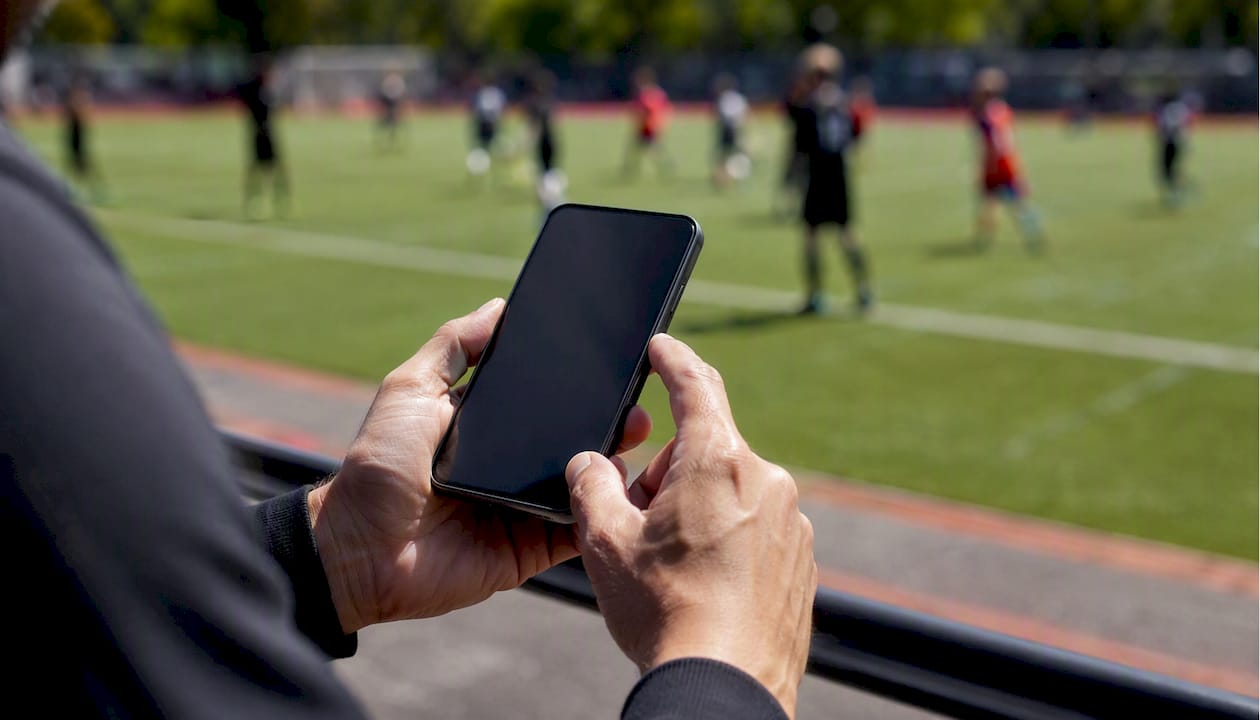
5. Run day-of operations. Check your list against QR check-ins or RSVP confirmations, text your waitlist the second someone drops, and confirm who's actually paid versus who just clicked "interested." Enforce your rules evenly, whether that's no studs-up tackles or a walk-off rule for arguments.
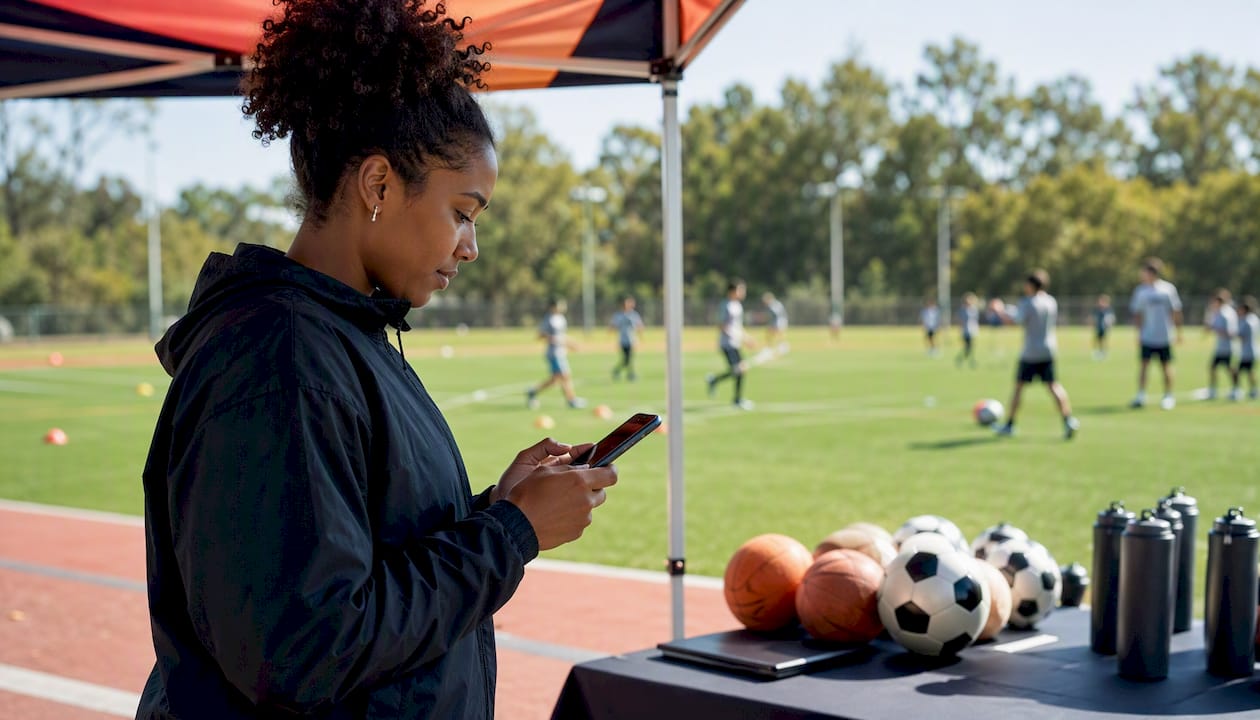
Pro Tip: Require a profile photo and an emergency contact at signup. It filters out no-show ghosts and gives you something real if someone gets hurt mid-game.
Pricing Your Game and Estimating What You'll Actually Earn
Casual local pickup usually lands somewhere between $8 and $10 per player for a co-ed small-sided game, though price should flex with venue cost and how competitive the run is. Season passes work well for groups that play weekly, since locking in five or ten sessions up front smooths your cash flow and cuts down on the manual chase every week.
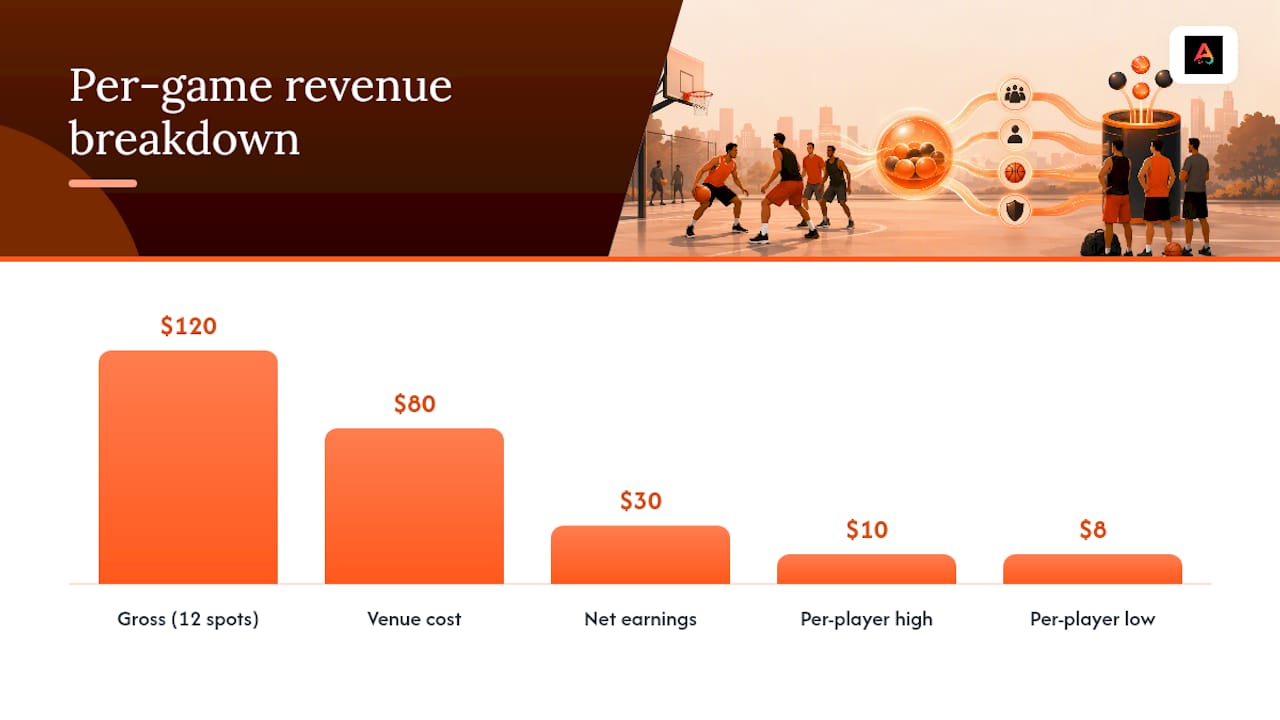
Example math: 12 spots at $10 each equals $120 gross. If the field runs $80 for the hour, you clear about $30. That's thin, and it's exactly why venue hire tends to be the biggest line item in any paid pickup budget, especially on a first run before you've built repeat attendance.
A few things that move the math:
- Platform and processing fees typically run in the low single digits combined
- Refunds eat into net earnings if your cancellation window is too generous
- Payout timing (instant versus scheduled) affects cash flow more than it affects total earnings
How to Fill a Pickup Game and Keep It Discoverable
Nobody pays to play a game with three people on the field. Post your listing 7 to 10 days out across local community groups, neighborhood boards, and in-app discovery tools like Athlo's LinkUp, which surfaces nearby pickup games to people already looking for one. Send a reminder 24 to 48 hours before your RSVP deadline. Lead with what makes the game worth the money: "guaranteed refs, small-sided, all levels welcome" beats a vague "soccer pickup, DM me."
- Post across community channels, sport-specific social groups, and in-app discovery
- Send a reminder push 24 to 48 hours before cutoff
- Use clear, specific language over generic descriptions
- Tag the correct sport and use precise location so your listing ranks well in search
Pro Tip: Offer a small referral discount for players who bring a friend, and consider a season pass for your regulars. Repeat players are cheaper to keep than new ones are to find.
Safety Basics, Waivers, and Liability Steps
A simple liability waiver should cover assumption of risk, medical treatment consent, and an emergency contact, and it should live somewhere you can pull it up fast, ideally tied to QR check-in or a pre-event digital form.
- Emergency contact info collected at signup
- Basic first-aid kit on-site
- Clearly marked field or court boundaries
- Written player conduct rules (no studs-up challenges, no arguing calls mid-play)
- Scheduled water breaks for anything over 45 minutes
Charging money for a pickup game can trigger venue permission requirements or short-term liability insurance, depending on the facility. Check with the venue before you sell a single ticket, not after.
Pro Tip: A standing waitlist isn't just for turnout. It's your cheapest insurance against an empty field after you've already paid the rental fee.
The Platform Features That Make Hosting Easier
Look for secure payment processing (Stripe or escrow), QR check-in, waitlist management, automated reminders, roster and refund controls, and clear payout timing. Escrowed payments hold funds until the game happens, which protects both you and your players if something falls through, and QR-verified check-in means you're never guessing who actually showed up versus who just RSVP'd.
Athlo builds these into one flow: event listing, ticketing, QR attendance, and escrowed payouts, all inside the same app where players already discover games through LinkUp.
- Secure, escrow-backed payments reduce disputes over refunds
- QR check-in confirms attendance and payment in one scan
- Built-in waitlist and reminders cut down manual chasing
Pro Tip: Pick a platform that shows its fee structure up front. If you can't find the fee percentage in two taps, that's a red flag.
A Host's Perspective: What Actually Works
Keep your rules to three sentences, not ten. Require prepayment, always, or you'll eat the venue cost yourself. Run a standing waitlist every single week. And keep the same day and time: consistency is what turns strangers into regulars.
Why Athlo Is Built for This
Running a paid pickup game shouldn't mean juggling three apps and a spreadsheet. Athlo handles the whole loop: event listing, escrowed payments, QR check-in, and payout handling, all from your phone.
- Secure payouts through built-in escrow, so you're not chasing Venmo requests
- Better discoverability through LinkUp, which puts your game in front of nearby players actively searching
- Roster, waiver, and refund management handled inside the same listing you already built
If you're ready to stop managing payments by hand, download Athlo on the App Store or Google Play and set up your first paid game today.
Sources
- Set up and manage a waitlist — Microsoft Learn
- How to run a megagame — Megagame Assembly
- Gamemaster's Guidepost: Paid Gamemastering - Ravens N' Pennies
FAQ
How do you make money hosting a pickup game?
Set a per-spot price that covers venue cost plus a small margin, collect payment at RSVP instead of day-of, and keep a waitlist so cancellations don't leave you covering the rental fee out of pocket.
How do I handle no-shows and refunds for a paid game?
Write a short refund policy directly into your event listing (something like no refunds inside 24 hours, credit toward the next game), and require prepayment so no-shows don't cost you money.
What's a reasonable price for a casual pickup game?
Most casual small-sided games charge $8 to $10 per player, though the right number depends on your venue rental cost and how many spots you're filling.
How many backup players should I keep on a waitlist?
A good rule of thumb is 1 to 2 backup players for every 4 confirmed spots, which keeps games full even with last-minute cancellations.
Do I need insurance to host a paid pickup game?
It depends on your venue. Some facilities require short-term liability coverage or specific permission once money changes hands, so check with the venue directly before selling tickets.